What is MakerHub?
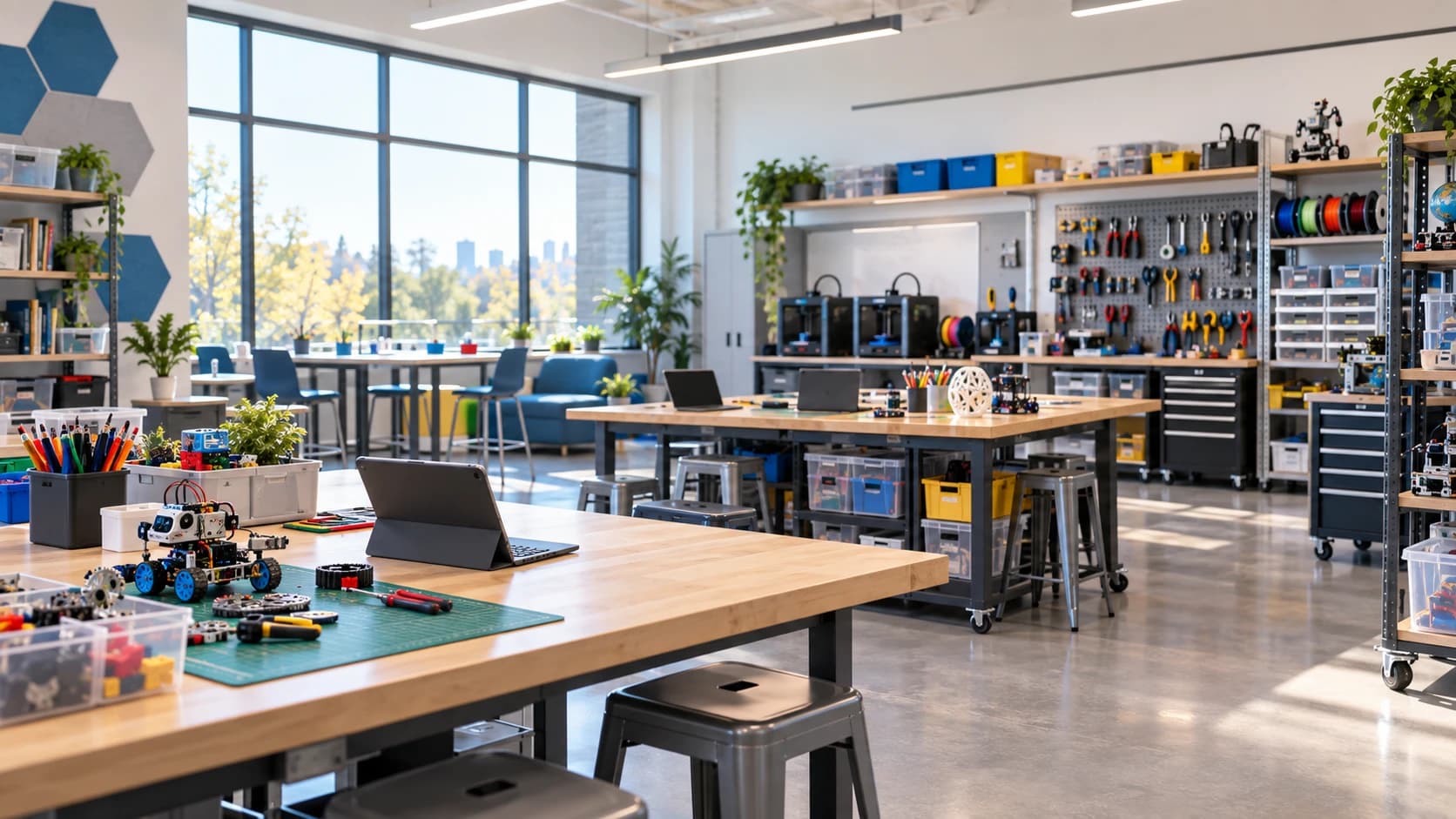
MakerHub is a project-based learning management platform for makerspaces and STEM classrooms. Teachers publish project modules, students complete work step-by-step, and schools track safety, progress, and outcomes in one system.
How do students join a class?
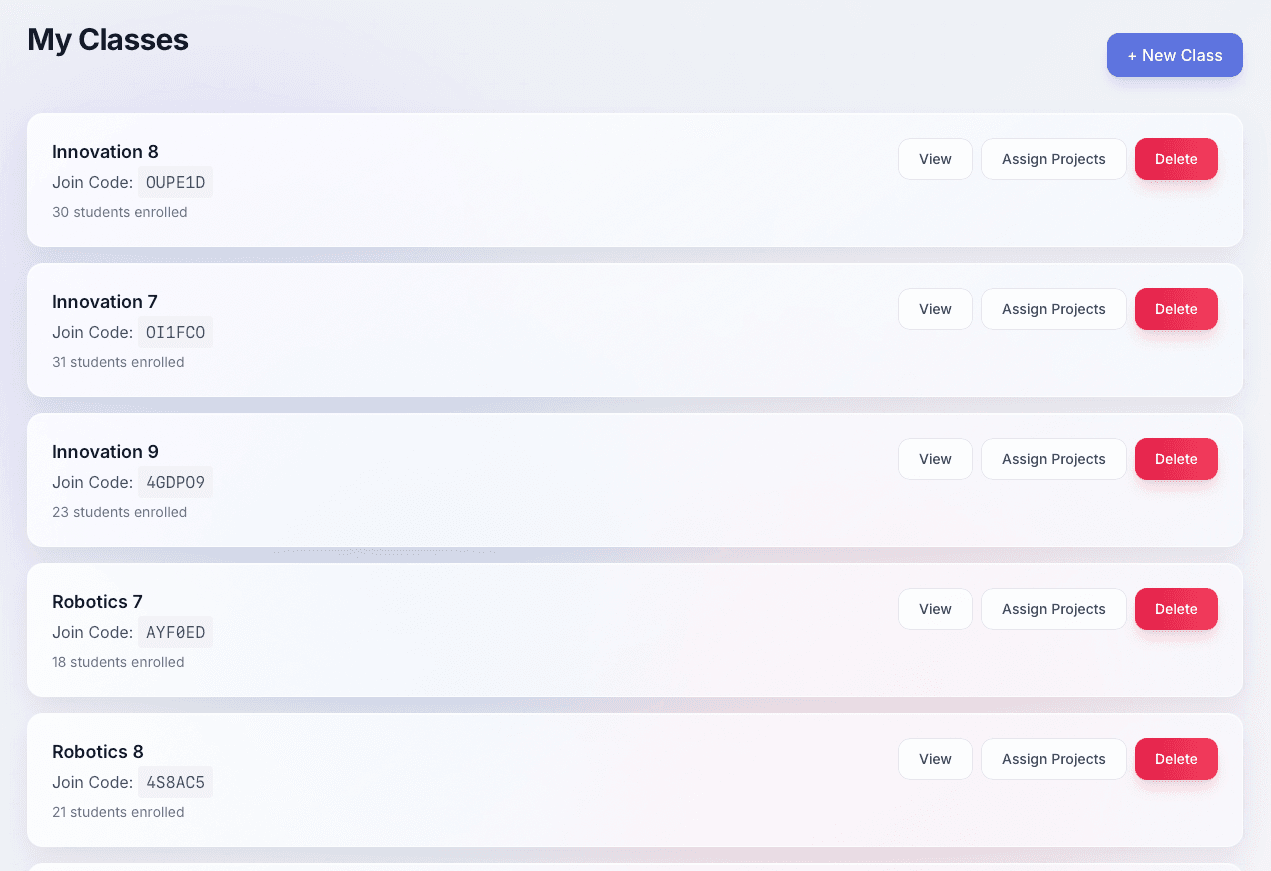
Teachers generate a unique join code for each class. Students enter the code on their first login and are instantly enrolled without any teacher action required.
How does grading work?
Teachers review student submissions with rubric-based scoring. Each project can have custom rubric criteria. Teachers leave per-criterion feedback, students can see their scores and comments, and can resubmit revised work.
What are safety certifications?
Safety certifications are prerequisite modules students must pass before gaining access to projects that use high-risk tools like laser cutters or 3D printers. Teachers can see each student's certification status at a glance.
What is the arcade?
The arcade is a gamification layer where students earn points by completing and submitting projects. Teachers configure reward items and their point costs. Students redeem points in their class arcade store.
Can teachers create their own projects?
Yes. Teachers can author custom project modules with an overview, tools and materials list, sequential build steps with images, checkpoints, reflection prompts, and rubric criteria — all from within the platform.
Is MakerHub suitable for group projects?
Yes. Teachers can assign group projects and students can collaborate within shared group workspaces. Group submissions, progress, and member contributions are all tracked.
What analytics does MakerHub provide for teachers?
Teachers get class-level analytics including grade distributions, submission rates, completion percentages, and per-student progress. The student progress tracker shows every student's current project status, points, and grade average in real time.